
AI Dance VideoGeneratorfor Any Character
Upload a character image and a dance reference video. Make your character follow the same moves with AI motion control.
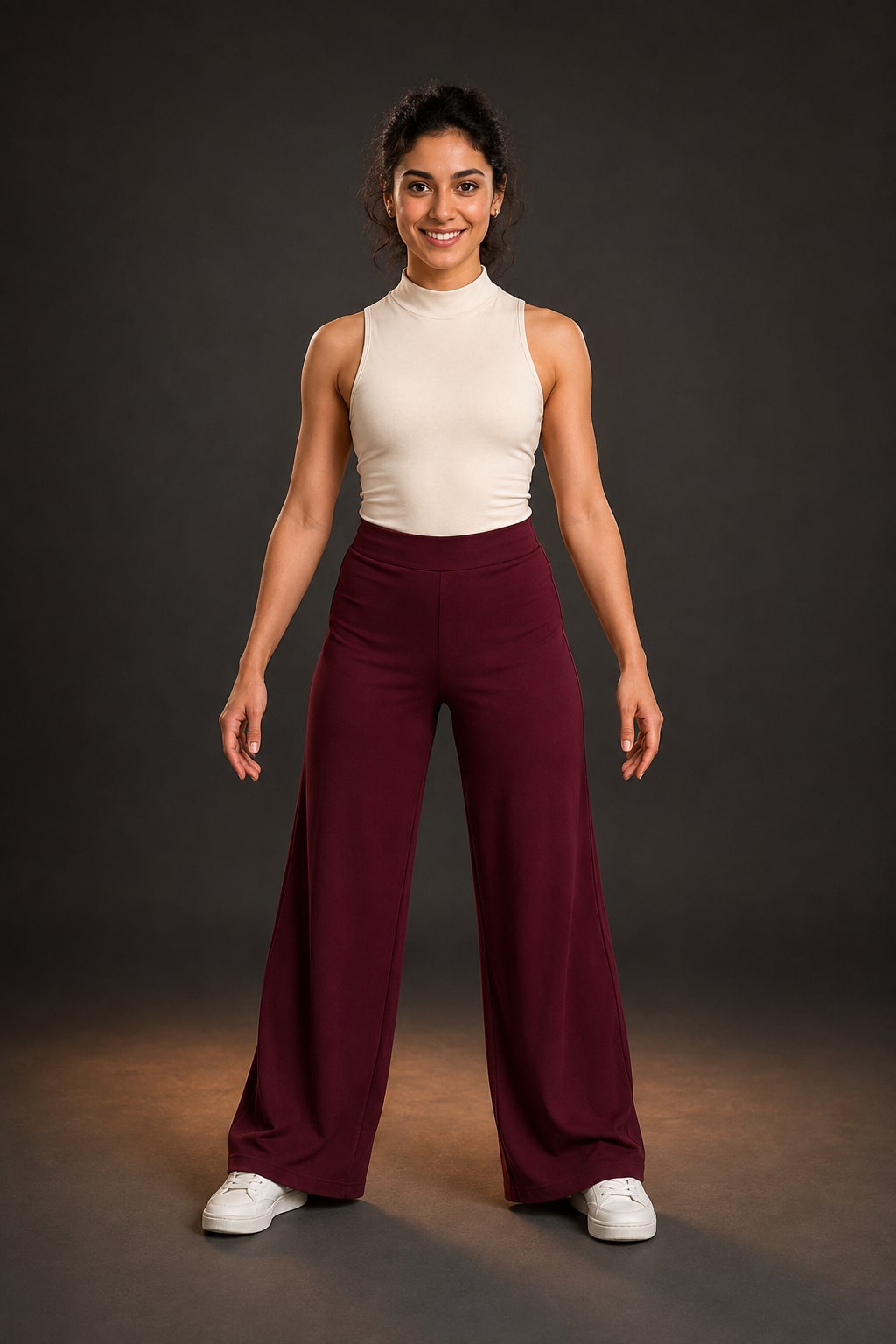
1/1 images · png/jpg/jpeg
MP4 or MOV (3-30s), max 100MB
Billing is based on motion video duration and rounded to whole seconds.
Character Dance Example
Create AI Dance Videos From Two Inputs
Upload the character, avatar, anime figure, product mascot, or AI-generated image you want to animate.
Use a short dance or motion clip as the source for body movement, rhythm, gestures, and timing.
Generate a new video where your character follows the same moves from the reference video.
Create 3-30 second videos for TikTok, Instagram, YouTube Shorts, ads, and creative tests.
Character Image to AI Dance Video
Start with a character image, add a dance reference video, and generate an AI dance result. Motion transfer and AI motion control handle the movement while your character style stays recognizable.
What is AI Motion Control?
AI Motion Control is a reference-driven video workflow. It uses a motion or dance reference video to guide how a character moves, then applies that movement to a character image. Kling Motion Control and motion transfer are technical terms for this kind of controlled character animation.
MAKE YOUR CHARACTER DANCECreate AI dance videos from a character image and dance reference video without manual rigging, keyframes, or motion capture equipment.
READ MORE →Higher quality output option with enhanced detail preservation and smoother motion transitions.
Common Questions
An AI dance video generator creates a dance video from your input assets. On GetMotionTransfer, you upload a character image and a dance reference video, then the AI generates a new video where your character follows the same movement.
AI Motion Control is the technology that uses a reference video to guide how a character moves. Instead of relying only on a text prompt, the system reads body movement, timing, and gestures from the reference video and applies them to your character image.
Use images that clearly show the character's upper body or full body, with visible limbs and head. The workflow supports photos, anime characters, 3D renders, avatars, mascots, and AI-generated characters.
Reference videos should be 3-30 seconds long, in MP4 or MOV format, under 100MB. For dance videos, use one person, clear full-body motion, a stable camera, and no fast cuts. A 5-10 second clip usually works best.
Standard mode provides good quality results at a lower credit cost. Professional mode produces higher quality output with better detail preservation, smoother motion, and more accurate character consistency, but costs more credits.
Generation typically takes 60-180 seconds depending on the video length and quality mode selected.
Yes, all generated videos can be used for commercial purposes including marketing, social media, e-commerce, and content creation.
Character Orientation determines how the character faces in the output video. 'Image' orientation keeps the character facing as in the original image, while 'Video' orientation matches the character's facing direction to the reference video.
Some new accounts may receive a small amount of trial credits to test the workflow. For continued use, you can subscribe for recurring credits or buy one-time credit packs when needed.
Understanding Kling Motion Control
GetMotionTransfer is built around a simple result: make a character dance from one image and one reference video. You start with the output you want, while AI motion control and motion transfer handle the movement behind the scenes.
Core Capabilities
The workflow supports anime character dance, mascot videos, AI avatar dance clips, product mascot motion, meme dance videos, and other short-form character animation. The best inputs are clear character images and single-person reference videos with visible body movement.
Technical Foundation
AI motion control uses the reference video as the movement source. The system analyzes pose, timing, and body direction in the dance reference video, then transfers that motion onto your character image while preserving identity and style. Kling Motion Control and motion transfer are the technical terms behind this reference-driven workflow.
Quality Assurance
For cleaner AI dance videos, use short 5-10 second reference clips, stable camera movement, visible limbs, and a character image that matches the reference framing. Standard and Professional modes let you balance credit cost and output quality.
How It Works
Upload Character Image
Provide a clear image of the character you want to animate. Full-body or upper-body shots work best for dance and gesture transfer.
Upload Dance Reference Video
Upload a 3-30 second reference video showing the dance or movement you want your character to follow. Single-person, stable-camera clips work best.
AI Motion Control
The system reads movement from the reference video and applies it to your character image, combining motion transfer with identity preservation.
Download Your Dance Video
Preview the generated AI dance result and download it as an MP4 for social media, marketing, ads, or creative projects.
Getting the Most from Kling Motion Control
Use these input rules to get better AI dance video results from character images and dance reference videos.
Match Body Proportions
Use full-body reference videos with full-body character images, and upper-body videos with upper-body images. Matching proportions produces much better results.
Use Clear Dance Reference Videos
Choose reference videos with one person, visible limbs, stable framing, and clear rhythm. Avoid fast cuts, crowded scenes, and extreme angles.
Character Image Quality
Use high-resolution character images with clear visibility of limbs and head. Avoid extreme poses, heavy occlusion, or characters that are too small in the frame.
Keep Videos Short
For best quality, use reference videos of 5-10 seconds. Shorter videos generate faster and often produce cleaner results than longer ones.
Add Scene Prompts
Use the optional text prompt to describe the scene or background, not the motion itself. The motion comes from your reference video, while the prompt controls the environment and style.